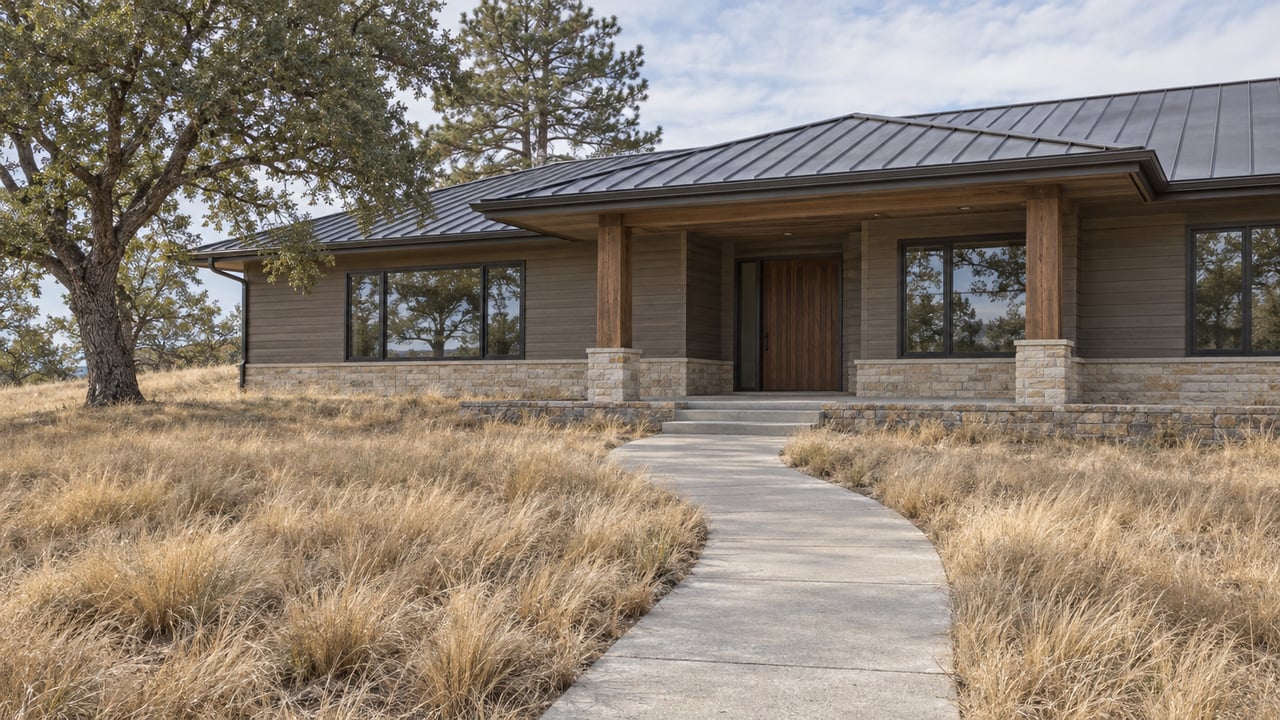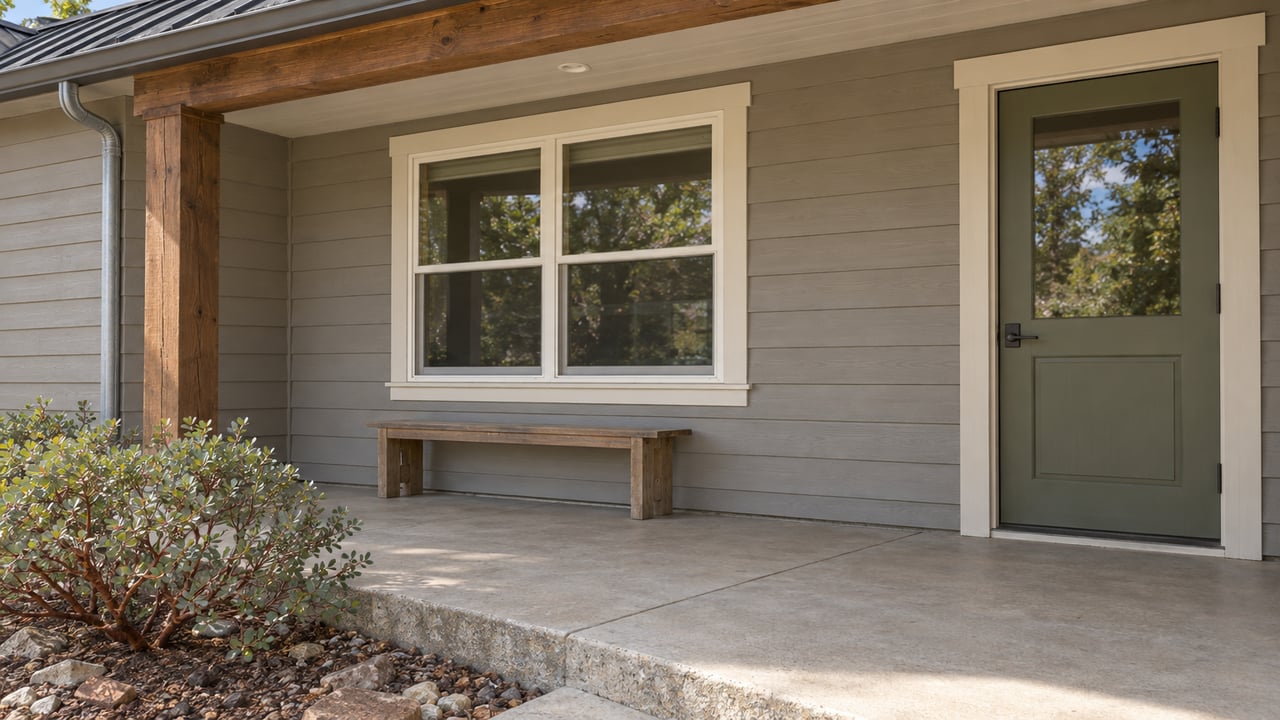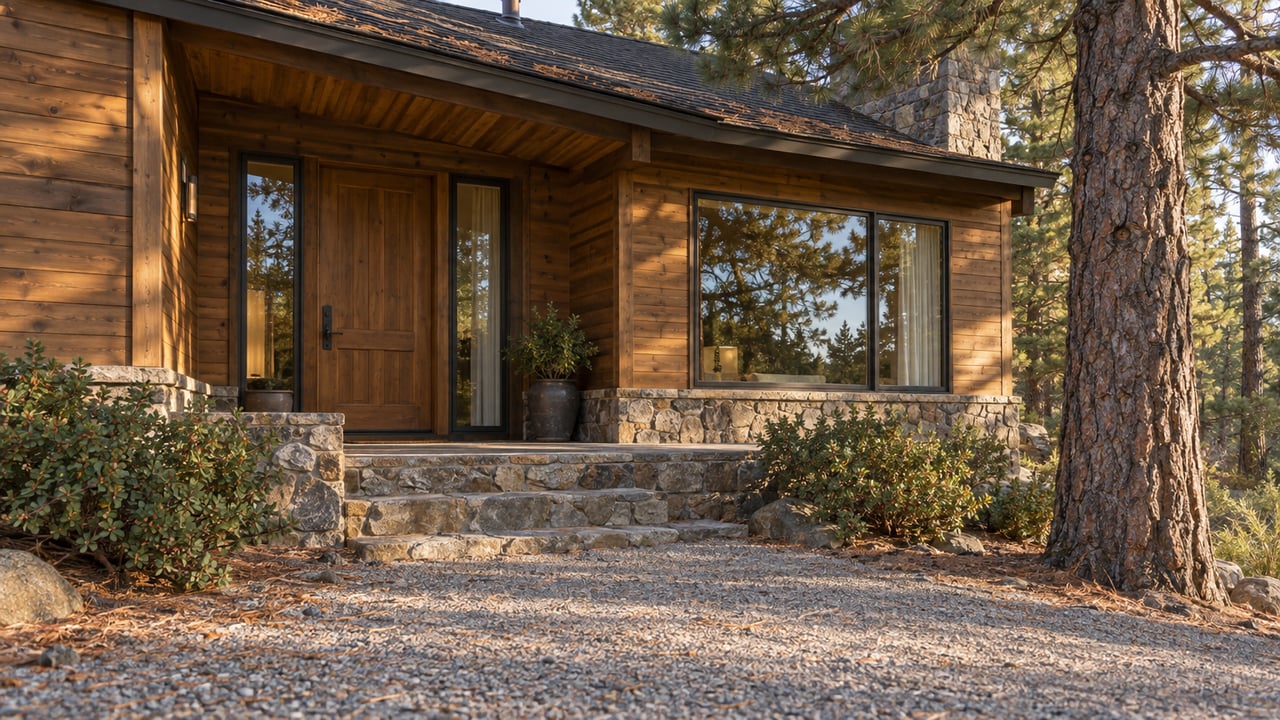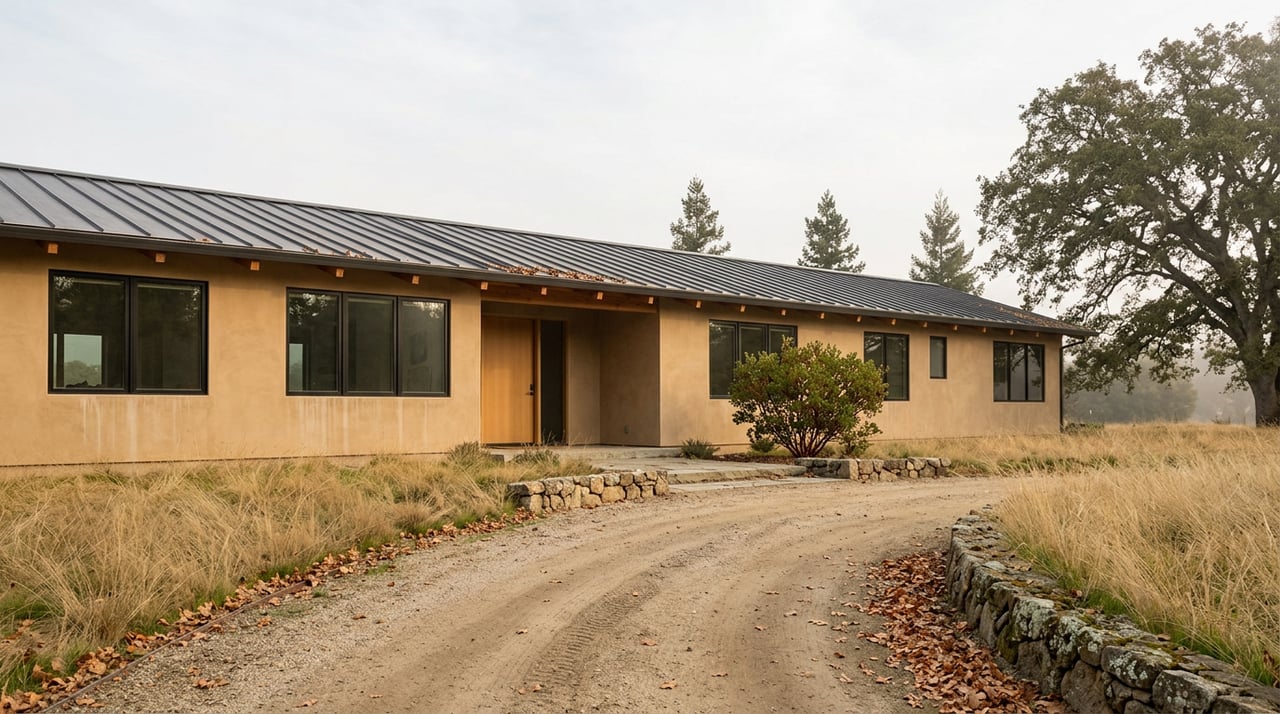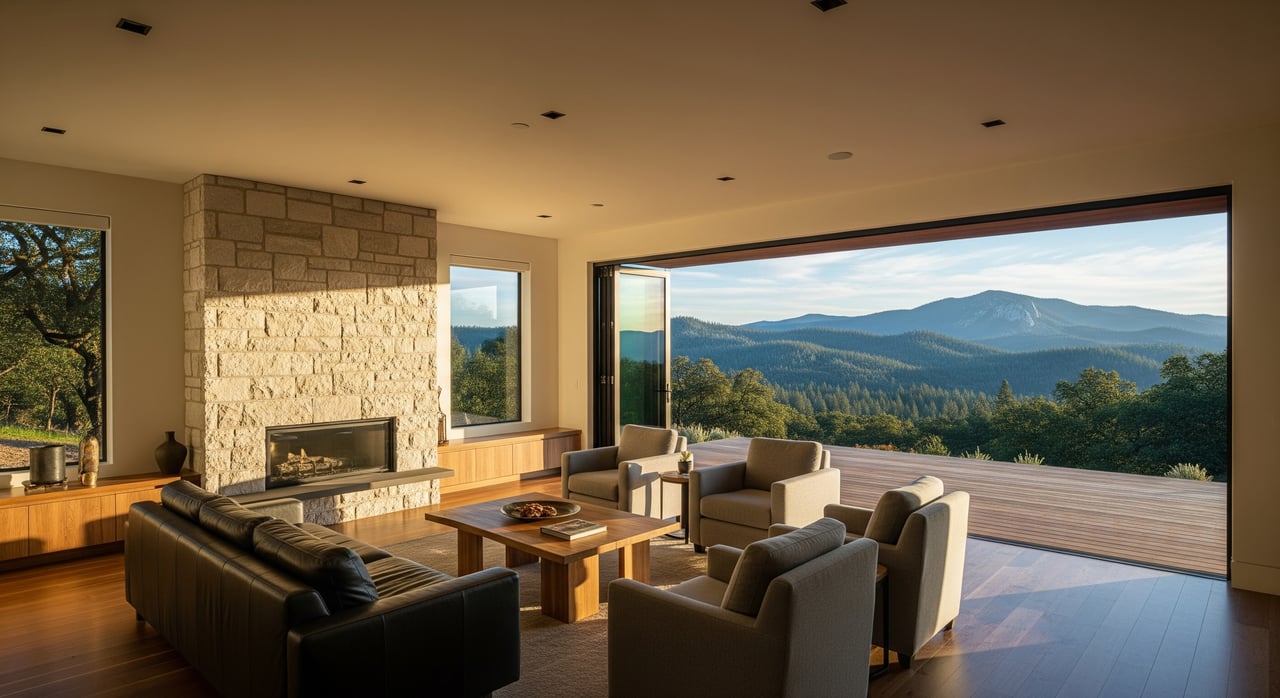
Shopping for a Groveland cabin or country home from the Bay Area or Central Valley? You are not alone. With limited inventory and long drives to the Sierra Foothills, many buyers now rely on virtual tours to narrow choices and move with confidence. In this guide, you will learn how live video, 3D tours, and smart checklists help you evaluate condition, location, and risk without multiple trips. Let’s dive in.
Why remote buying works here
Groveland sits in the Yosemite foothills where listings can be spread out and weather may affect access. Virtual tools can help you compare layouts, verify utilities, and flag red flags early. Industry adoption of virtual showings accelerated after 2020, and buyers now expect quality media and real-time video options. The NAR technology survey shows a broad shift toward digital tools that make remote decisions more practical.
Virtual tour options explained
Pre-recorded walkthrough video
A walkthrough video takes you room by room and around the exterior. It is quick to produce and easy to rewatch with timestamps. Ask for an unedited version, including close-ups of the electrical panel, plumbing under sinks, water heater, heat source, and a full exterior walkaround.
Live video showing
Join your agent on FaceTime, Zoom, or Google Meet while they walk the property. You can request camera angles, measurements, and clarifications in real time. Confirm cell coverage before the appointment and plan a backup recording if the signal is weak.
3D immersive tour
A 3D model lets you move through the home at your own pace and check room dimensions. It is ideal for understanding flow and furniture fit. For the best results, ask for a high-resolution model with labeled rooms, a floor plan, measurements, and the capture date. For an overview of capabilities, see Matterport’s 3D tour features.
Drone and aerial media
Aerial photos and video show the lot, slope, driveway approach, nearby vegetation, and neighboring properties. This is especially helpful in rural and hillside areas. Request overhead views, approach-road footage, and clear shots of the roof and any outbuildings.
Floor plans and virtual staging
Floor plans confirm scale and furniture placement, while virtual staging can spark ideas. Use staging as inspiration, not as a substitute for condition checks or inspections.
What to request for any remote tour
- Date-stamped photos and video, plus who captured them.
- Utility and systems: electrical panel, water heater, HVAC, well equipment, septic access, meter readings.
- Structure and exterior: roof and foundation close-ups, driveway and parking, drainage and slope.
- Site context: property lines if marked, neighboring structures, street and approach road.
- Documentation: seller disclosures, property tax and permit summaries, and any recent inspections.
- Connectivity: internet options, cell-signal test during a live call.
Groveland-specific checks to do remotely
Wildfire risk and defensible space
Groveland’s forested setting means wildfire exposure is a key factor. Review the CAL FIRE Fire Hazard Severity Zone viewer and ask for aerials that show vegetation clearance and any fire-hardening updates. Ask about recent brush clearance and roof or vent upgrades.
Access, roads, and seasonal conditions
Steep or private roads and winter conditions can affect access. Request drone footage of the approach and verify whether roads are county maintained or private. Check with Tuolumne County Public Works about road classifications and winter maintenance.
Water and septic systems
Many rural properties use a private well and septic. Ask for well yield tests, septic inspection records, and maintenance history. You can confirm permits and records through Tuolumne County Environmental Health.
Utilities and connectivity
Connectivity matters for remote work and safety. Request photos of utility hookups and meters, run a live signal test during a tour, and check available ISPs. Ask nearby owners about reliability if possible.
Permits, remodeling, and code
Older cabins can have unpermitted work. Ask for permit copies and compare them with county records. The Tuolumne County Building Division can help you research permits and status.
Flooding, drainage, and slope
Hillside lots can have erosion or flood exposure near creeks. Use the FEMA Flood Map Service Center to check flood zones and request drone footage that shows drainage patterns and grade.
Taxes, zoning, and rental rules
Confirm current taxes and parcel details through the Tuolumne County Assessor. If you are considering short-term rentals, verify county zoning and any HOA rules before you proceed.
A step-by-step remote showing workflow
1. Discovery and shortlist
Set filters for budget, size, acreage, and media quality. Ask your agent to screen listings for red flags like known access issues or unpermitted work.
2. Pre-showing packet
Request seller disclosures, property tax and permit printouts, any prior inspections, and HOA covenants. Ask for a virtual packet that includes drone images, a floor plan, and utility info.
3. Live video and 3D sessions
Schedule daylight tours. If cell coverage is weak, plan a pre-recorded walkthrough and upload. During live calls, have your agent follow a checklist that covers the roofline, foundation, HVAC, electrical panel, water heater, attic or crawl areas, and yard boundaries.
4. Deep vetting
If a property stays on your shortlist, request neighborhood photos, utility bills if available, and ballpark vendor estimates for key items like roof, well, or septic. Consider an in-person check by your local agent or a contractor visit if you cannot travel soon.
5. Inspections and contingencies
Include standard inspection contingencies and, if needed, extend timelines so you can travel. Schedule septic, well, roof, and any specialty inspections based on the property. Attend by live video or request detailed photo and video reports.
6. Final walk-through and closing
Many escrow companies support remote signing and wires. Confirm details early, set your plan for the final walk-through, and decide whether you will attend in person or use a documented live video walk-through.
Decision tools to protect your purchase
Use a scoring checklist
Give each property a simple score for condition, utilities, access, hazard risk, neighborhood fit, resale potential, and value. Weight categories based on your priorities.
Red flags and walk-away triggers
Watch for unpermitted additions, poor water or septic history, severe access issues, unresolved code violations, and very high wildfire risk without mitigation. When in doubt, pause and verify.
Smart contract protections
Consider a longer inspection contingency, a remote walk-through clause, and an escrow holdback for agreed repairs. Require seller documentation such as permits, title report, and relevant warranties.
Inspection strategy for rural systems
Hire inspectors familiar with wells, septic, woodstoves, chimneys, and off-grid systems. Ask for functional tests like well yield and septic dye tests. Check wildfire risk with your insurance provider before removing contingencies.
How we help remote buyers
Here is how the Mother Lode Real Estate Team, led by Kristin, vets properties for out-of-area buyers so you can move faster and safer:
- MLS screening: Share only listings that fit and include strong media. Flag potential issues early.
- Drive-by and exterior check: Visit the property and capture geotagged photos and short videos of the approach, driveway, and exterior.
- In-depth media: If needed, arrange professional walkthrough video, drone, and a 3D scan. Set up a live tour with a clear checklist.
- Records review: Pull parcel, tax, and permit history from Tuolumne County. Request seller disclosures and any prior inspections.
- Hazard and utilities: Check CAL FIRE and FEMA maps, confirm water and septic type, and test cell signal. Verify ISP options.
- Contractor prep: Identify local inspectors and contractors so you can schedule quickly once under contract.
- Neighborhood notes: Document drive times, essential services, and amenities. Confirm rental rules if income is part of your plan.
- Reporting and next steps: Provide a concise report with media, records, pros and cons, and recommended actions. Attend inspections and final walk-through as needed.
If you want a cabin, a year-round retreat, or a foothill home near Yosemite, virtual tools can get you most of the way there. The key is pairing clear media with strong documentation, targeted inspections, and a local advocate who knows Groveland’s terrain and county processes. When you are ready, connect with Kristin Frankhauser to plan your remote tour strategy.
FAQs
What is a virtual tour and how does it help Groveland buyers?
- A virtual tour uses pre-recorded video, live video, 3D models, and aerials so you can evaluate layout, condition, and location from home before committing to travel.
How do live video showings work if the cell signal is weak?
- Test signal first, then either switch to a platform that works better or record a high-quality walkthrough for upload and follow up with a Q&A call.
What Groveland inspections are most important for remote buyers?
- A general home inspection plus septic evaluation, well yield and water quality testing, roof review, and a wildfire risk and defensible space assessment.
Can I close on a Groveland home remotely in California?
- Many local escrow and title companies support remote signings and wire transfers, but confirm capabilities and notarization requirements early.
How can a local agent minimize remote-buying risk in Tuolumne County?
- By capturing thorough media, pulling county records, checking hazard maps, verifying utilities and access, and coordinating specialized inspections on your behalf.